



Aadhaar Biometric Lock and Unlock
Aadhaar Biometric Lock and Unlock: Complete Guide to Protect Aadhaar Biometrics
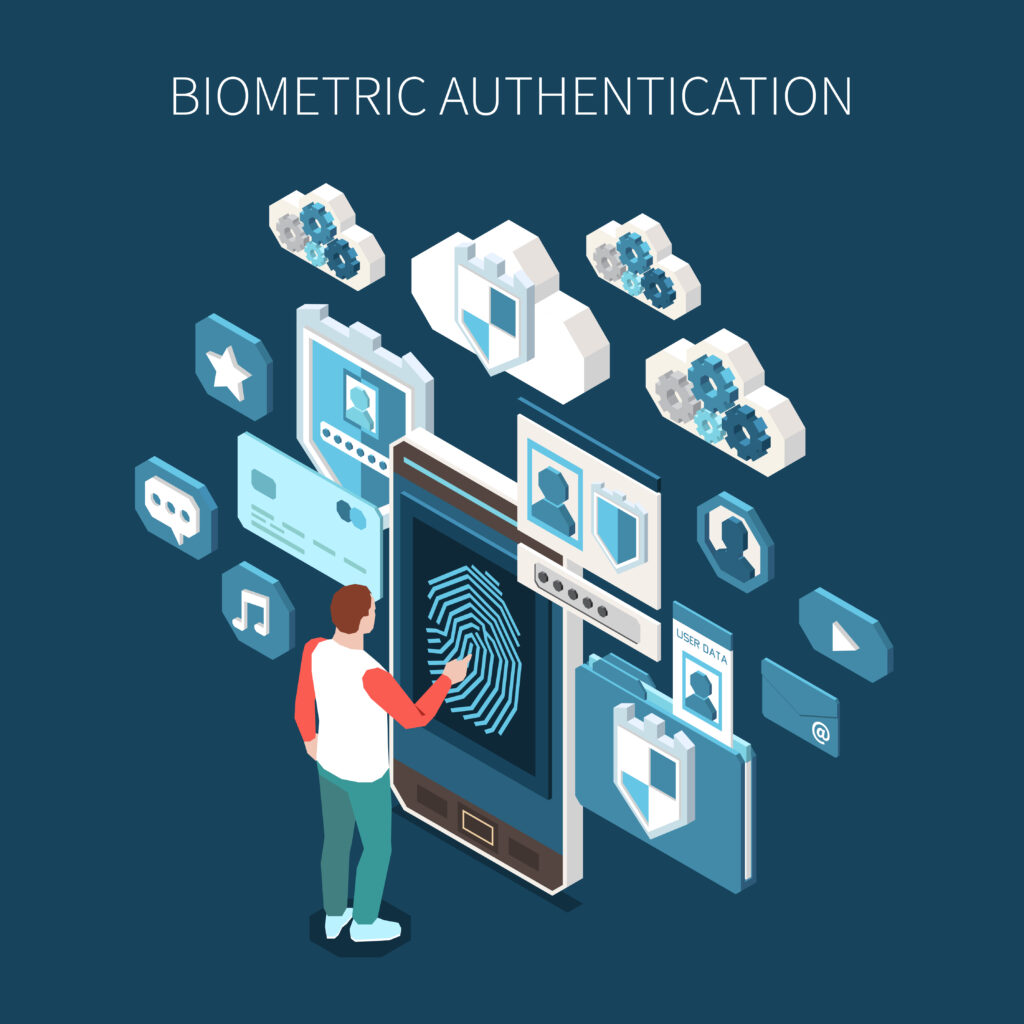
Aadhaar authentication uses biometric information such as fingerprints and iris scans to verify the identity of residents. This biometric verification helps ensure that Aadhaar services remain secure and that identity verification is accurate. However, since biometric data is sensitive personal information, the Unique Identification Authority of India (UIDAI) has introduced additional security features to help Aadhaar holders protect their data.
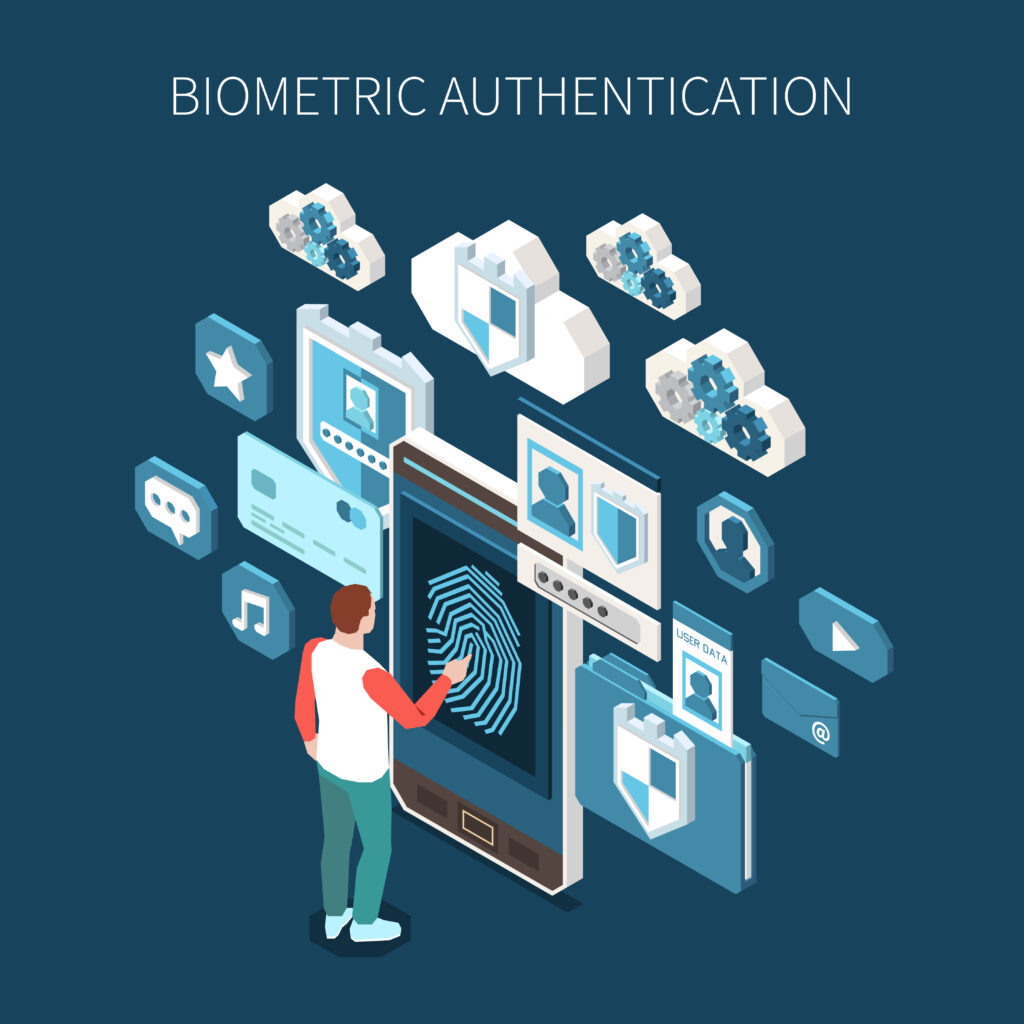
One of these features is the Aadhaar biometric lock and unlock facility.
This feature allows residents to temporarily disable biometric authentication linked with their Aadhaar number. When biometrics are locked, no one can use the Aadhaar holder’s fingerprints or iris data for authentication.
This guide explains what Aadhaar biometric lock means, why it is useful, and how residents can lock or unlock their Aadhaar biometrics when required.
What is Aadhaar Biometric Lock
Aadhaar biometric lock is a security feature that allows residents to block the use of their biometric information for Aadhaar authentication.
When the biometrics are locked, the Aadhaar system will not allow authentication using fingerprints or iris scans. This means that biometric verification cannot take place until the biometrics are unlocked.
This feature helps Aadhaar holders protect their identity and prevent unauthorized biometric use.
Residents can unlock the biometrics whenever they want to perform Aadhaar authentication again.
Why Aadhaar Biometric Lock is Important
Biometric authentication is widely used for identity verification in services such as banking, government schemes, and Aadhaar-based authentication systems.
While biometric authentication is secure, some residents prefer to keep their biometrics locked when they are not actively using Aadhaar authentication.
Locking Aadhaar biometrics provides several advantages.
Prevents Unauthorized Authentication
If someone attempts to use biometric authentication without permission, the request will fail when biometrics are locked.
Improves Aadhaar Security
Locking biometrics adds an additional security layer to Aadhaar identity protection.
Protects Personal Information
Biometric lock ensures that fingerprints and iris scans cannot be used for authentication without the Aadhaar holder’s consent.
For these reasons, many residents choose to lock their biometrics when Aadhaar authentication is not required.
How Aadhaar Biometric Lock Works
The biometric lock feature works by temporarily disabling biometric authentication in the Aadhaar system.
When the biometrics are locked:
- Fingerprint authentication is disabled
- Iris authentication is disabled
- Aadhaar authentication using biometrics cannot be performed
However, Aadhaar services that use OTP-based authentication may still be available.
Whenever residents need to use biometric authentication again, they can unlock their biometrics temporarily.
Steps to Lock Aadhaar Biometrics
Residents can lock their Aadhaar biometrics using UIDAI services.
The process usually involves OTP verification to confirm the identity of the Aadhaar holder.
Step 1: Visit the UIDAI Website
Open the official UIDAI website using a secure internet connection.
Step 2: Select Aadhaar Biometric Lock Option
Navigate to the section that provides the biometric lock service.
Step 3: Enter Aadhaar Number
Enter the Aadhaar number along with the captcha code displayed on the screen.
Step 4: Verify Using OTP
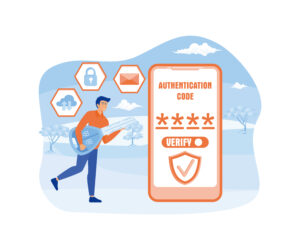
An OTP will be sent to the registered mobile number linked with Aadhaar.
Step 5: Confirm Biometric Lock
After entering the OTP, confirm the request to lock Aadhaar biometrics.
Once the process is completed, biometric authentication will be disabled until the biometrics are unlocked.
Steps to Unlock Aadhaar Biometrics
If residents need to use biometric authentication again, they can unlock their Aadhaar biometrics.
The unlocking process is similar to the locking process.
Step 1: Visit UIDAI Website
Open the UIDAI portal.
Step 2: Select Unlock Biometrics Option
Choose the option to unlock Aadhaar biometrics.
Step 3: Enter Aadhaar Number
Provide the Aadhaar number and captcha code.
Step 4: Verify Using OTP
Enter the OTP received on the registered mobile number.
Step 5: Confirm Unlock Request
After verification, confirm the request to unlock biometrics.
Once unlocked, biometric authentication can be used again.
Temporary Unlock Option
In some cases, UIDAI allows residents to unlock biometrics temporarily.
Temporary unlock allows biometric authentication for a limited period. After that period expires, the biometrics automatically return to the locked state.
This feature helps maintain security while allowing necessary authentication.
When Should You Lock Aadhaar Biometrics
Locking biometrics is recommended when residents do not need to use biometric authentication frequently.
Situations where biometric locking may be useful include:
- When Aadhaar authentication is not required regularly
- When residents want additional security for their identity
- When biometric data protection is a concern
Locking biometrics ensures that authentication cannot occur without the Aadhaar holder’s authorization.
Requirements for Using Biometric Lock
Before using the biometric lock feature, residents should ensure that certain conditions are met.
The most important requirement is that the mobile number must be registered with Aadhaar, because OTP verification is required during the locking and unlocking process.
Without a registered mobile number, the biometric lock feature cannot be used online.
If the mobile number is not registered, residents may need to update the mobile number at an Aadhaar enrollment center.
Benefits of Aadhaar Biometric Lock
Using the biometric lock feature provides several security benefits.
Enhanced Security
Biometric authentication cannot occur without unlocking the biometrics.
Identity Protection
Unauthorized attempts to use biometric authentication will fail.
User Control
Residents can decide when biometric authentication should be allowed.
Flexible Access
Biometrics can be unlocked whenever authentication is required.
These benefits make biometric lock an important security feature for Aadhaar holders.
Common Issues While Using Biometric Lock
Although the biometric lock feature is simple to use, residents may occasionally face certain difficulties.
OTP Not Received
If OTP verification fails due to network issues or outdated mobile number, the locking process cannot be completed.
Mobile Number Not Registered
The biometric lock service requires a registered mobile number.
Incorrect Aadhaar Details
Entering incorrect Aadhaar number or captcha code may prevent the request from being processed.
Checking the information carefully before submitting the request usually resolves these issues.
Related Aadhaar Services
After locking or unlocking biometrics, residents may also use other Aadhaar services such as:
- Download Aadhaar card
- Check Aadhaar card status
- Update Aadhaar address
- Update Aadhaar mobile number
- Order PVC Aadhaar card
These services help residents manage their Aadhaar identity securely.
Frequently Asked Questions
What is Aadhaar biometric lock
Aadhaar biometric lock is a security feature that prevents biometric authentication using Aadhaar fingerprints or iris scans.
Can biometrics be unlocked anytime
Yes, residents can unlock biometrics whenever authentication is required.
Is mobile number required for biometric lock
Yes, OTP verification through the registered mobile number is required.
Is biometric lock mandatory
No, biometric lock is optional but recommended for additional security.
Conclusion
Aadhaar biometric lock is an important security feature that helps residents protect their biometric data from unauthorized use. By locking their biometrics, Aadhaar holders can ensure that biometric authentication cannot take place without their permission.
Whenever biometric verification is required, residents can easily unlock the biometrics using OTP authentication. This feature provides a balance between convenience and security, allowing Aadhaar holders to maintain control over their identity information.