

The Employees’ Provident Fund (EPF) is one of the most important retirement savings schemes for employees in India. It is managed by the Employees’ Provident Fund Organisation (EPFO) and helps employees build financial security for the future.
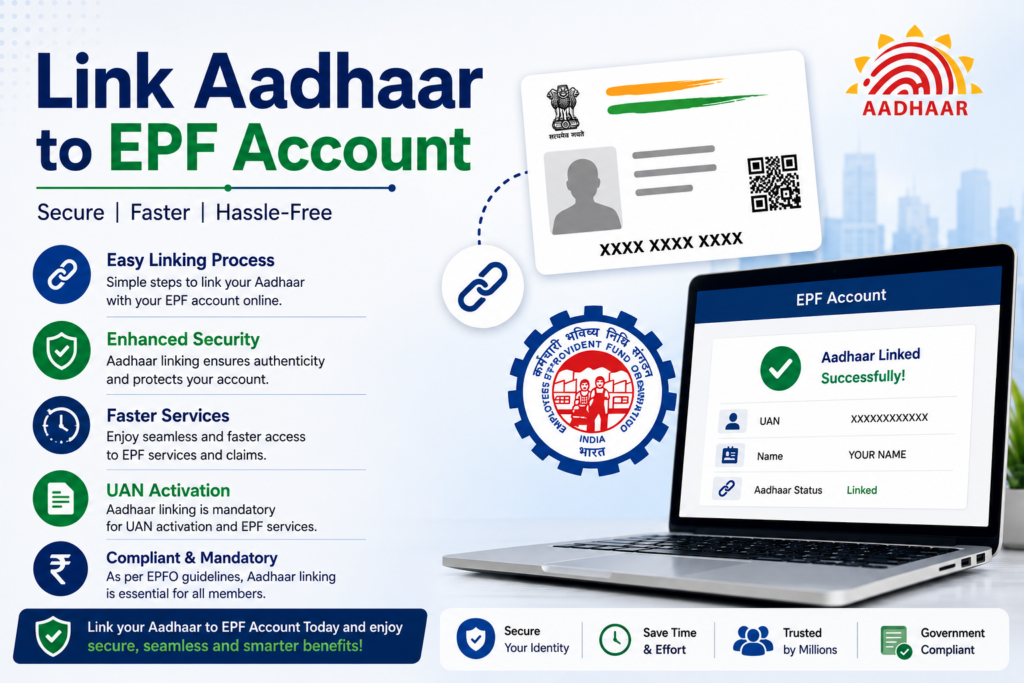
To improve identity verification and simplify account management, the government has introduced the requirement of linking Aadhaar with EPF accounts. When Aadhaar is linked with the EPF account, employees can access several online services such as checking EPF balance, filing claims, and transferring EPF funds easily.
Aadhaar linking helps ensure that EPF accounts belong to genuine employees and reduces the chances of duplicate or incorrect records in the EPFO system.
This guide explains why Aadhaar should be linked with EPF accounts, how employees can complete the linking process, and how to verify whether Aadhaar has been successfully linked with the EPF account.
What is EPF Account
The Employees’ Provident Fund is a savings scheme designed for employees working in the organized sector. Both the employee and employer contribute a certain percentage of the employee’s salary to the EPF account every month.
The accumulated amount in the EPF account serves as a retirement fund that employees can withdraw under specific conditions.
Each EPF account is linked with a Universal Account Number (UAN). The UAN remains the same throughout an employee’s career even if the employee changes jobs.
Linking Aadhaar with the UAN helps ensure that the EPF account is associated with the correct individual.
What is Aadhaar EPF Linking
Aadhaar EPF linking is the process of connecting an employee’s Aadhaar number with their EPF account through the Universal Account Number (UAN).
Once Aadhaar is linked with the EPF account, the employee’s identity can be verified quickly through Aadhaar authentication.
This linking helps improve the accuracy of employee records and simplifies various EPF services such as online claims and account transfers.
The linking process can be completed through the EPFO portal, mobile apps, or by visiting EPFO offices.
Why Aadhaar Should Be Linked with EPF Account
Linking Aadhaar with the EPF account offers several benefits for employees.
Identity Verification
Aadhaar linking ensures that the EPF account belongs to the correct employee.
Online Claim Processing
Employees can submit EPF withdrawal or transfer claims online when Aadhaar is linked with UAN.
Faster Fund Transfers
EPF transfers between employers become easier with Aadhaar verification.
Reduced Documentation
Aadhaar linking reduces the need for additional identity documents.
These benefits help employees manage their EPF accounts more efficiently.
Who Should Link Aadhaar with EPF Account
Employees who have an EPF account and a Universal Account Number should link their Aadhaar number with their EPF account.
This requirement applies mainly to employees working in organizations that contribute to the EPF scheme.
Linking Aadhaar with EPF is especially important for employees who want to use online EPF services such as claim filing, fund transfers, or account updates.
Employees should ensure that their Aadhaar details match their EPF account records.
Methods to Link Aadhaar with EPF Account
There are several ways employees can link Aadhaar with their EPF account.
Linking Through EPFO Portal
Employees can link Aadhaar through the official EPFO website using their UAN login.
Linking Through UAN Member Portal
The UAN member portal allows employees to update Aadhaar details easily.
Linking Through EPFO Office
Employees can visit the nearest EPFO office and submit Aadhaar details for linking.
Linking Through Employer
Employers may also assist employees in linking Aadhaar with EPF accounts during record verification.
These options provide flexibility for employees to complete the linking process.
Steps to Link Aadhaar with EPF Account Online
Employees can link Aadhaar with their EPF account using the EPFO portal.
The general process includes the following steps.
Step 1: Visit EPFO Website
Open the official EPFO website using a secure internet connection.
Step 2: Login to UAN Member Portal
Enter your Universal Account Number and password to log in.
Step 3: Go to Profile Section
Navigate to the section where personal details and KYC information are available.
Step 4: Select Aadhaar Linking Option
Choose the option to link Aadhaar with the EPF account.
Step 5: Enter Aadhaar Number
Provide the Aadhaar number in the required field.
Step 6: Verify Using OTP
An OTP may be sent to the mobile number registered with Aadhaar.
Step 7: Submit Request
After verification, submit the request to complete Aadhaar linking.
Once verified, the Aadhaar number will be linked with the EPF account.
How to Check Aadhaar EPF Linking Status
After submitting the Aadhaar linking request, employees may want to confirm whether the linking process has been completed successfully.
This can be checked through the UAN member portal.
The process usually involves:
- Logging in to the EPFO portal using UAN credentials.
- Navigating to the KYC section.
- Checking the status of Aadhaar linking.
If Aadhaar is linked successfully, the status will appear as verified.
Benefits of Aadhaar Linking for EPF Services
Linking Aadhaar with EPF accounts provides several advantages for employees.
Easy Online Claims
Employees can submit EPF withdrawal claims online without visiting EPFO offices.
Faster Processing
Aadhaar verification speeds up claim processing.
Simplified Account Transfers
Employees changing jobs can transfer EPF balances easily.
Secure Identity Verification
Aadhaar authentication ensures that only the account holder accesses EPF services.
These benefits make Aadhaar linking an important step for EPF account holders.
Common Problems During Aadhaar EPF Linking
Some employees may face issues while linking Aadhaar with their EPF account.
Name Mismatch
If the name on the Aadhaar card does not match the EPF records, the linking request may fail.
Incorrect Aadhaar Number
Entering an incorrect Aadhaar number may prevent verification.
Mobile Number Not Registered
OTP verification requires a mobile number linked with Aadhaar.
Correcting personal details and ensuring accurate information usually resolves these issues.
Tips for Successful Aadhaar EPF Linking
Employees can ensure smooth linking by following a few simple steps.
Ensure that the Aadhaar number entered is correct. Verify that the name and date of birth match both Aadhaar and EPF records.
Keep the mobile number linked with Aadhaar active for OTP verification.
Use official EPFO portals for linking requests to avoid fraudulent websites.
These precautions help complete the linking process without complications.
Related Aadhaar Services
Along with EPF linking, Aadhaar holders can also use several other Aadhaar services such as:
- Download Aadhaar card
- Update Aadhaar details
- Check Aadhaar update status
- Order PVC Aadhaar card
- Lock or unlock Aadhaar biometrics
These services help residents manage their Aadhaar identity easily.
Frequently Asked Questions
Is linking Aadhaar with EPF mandatory
Linking Aadhaar with EPF is often required for accessing online EPF services.
How can I link Aadhaar with EPF account
You can link Aadhaar through the EPFO UAN member portal or by visiting EPFO offices.
How long does Aadhaar EPF linking take
The linking process usually takes a few days after submission.
Can EPF claims be filed without Aadhaar linking
Certain online claim services may require Aadhaar linking for verification.
Conclusion
Linking Aadhaar with the EPF account helps ensure accurate identity verification and simplifies access to various EPF services. By connecting Aadhaar with the Universal Account Number, employees can manage their EPF accounts more easily and benefit from faster claim processing and simplified fund transfers.
Employees can complete the Aadhaar EPF linking process through the EPFO portal, employer assistance, or by visiting EPFO offices. Keeping personal details consistent across Aadhaar and EPF records ensures that the linking process is completed smoothly and allows employees to access EPF services without delays.